
Stream Catcher: All-in-One Screen Capture Tool
Overview
Stream Catcher is a desktop utility designed to streamline screen recording, image extraction, and audio capture tasks directly from your computer. It serves as a comprehensive solution for users who need to capture visual and auditory content without relying on multiple tools. The software supports capturing screenshots of entire screens, active windows, or custom selections, making it ideal for creating tutorials, extracting visual references, or documenting software interfaces.
Its ability to extract all images from a given URL simplifies content research and asset gathering. The target audience includes educators, content creators, technical writers, and professionals who frequently need to document digital workflows. While the developer, Stream Catcher, Inc., is listed, no additional background information is available.
The software has been available since 2009, indicating a long-standing presence in the desktop utility space. Despite its age, it remains relevant due to its focused feature set and lightweight design. Real-world applications include recording online lectures, capturing UI elements for design reference, and archiving visual content from web pages.
Key Features & Capabilities
- Screenshot Capture: Users can capture full-screen, active window, or custom-defined areas with an adjustable selection tool. This flexibility supports precise image extraction for documentation, design, or sharing.
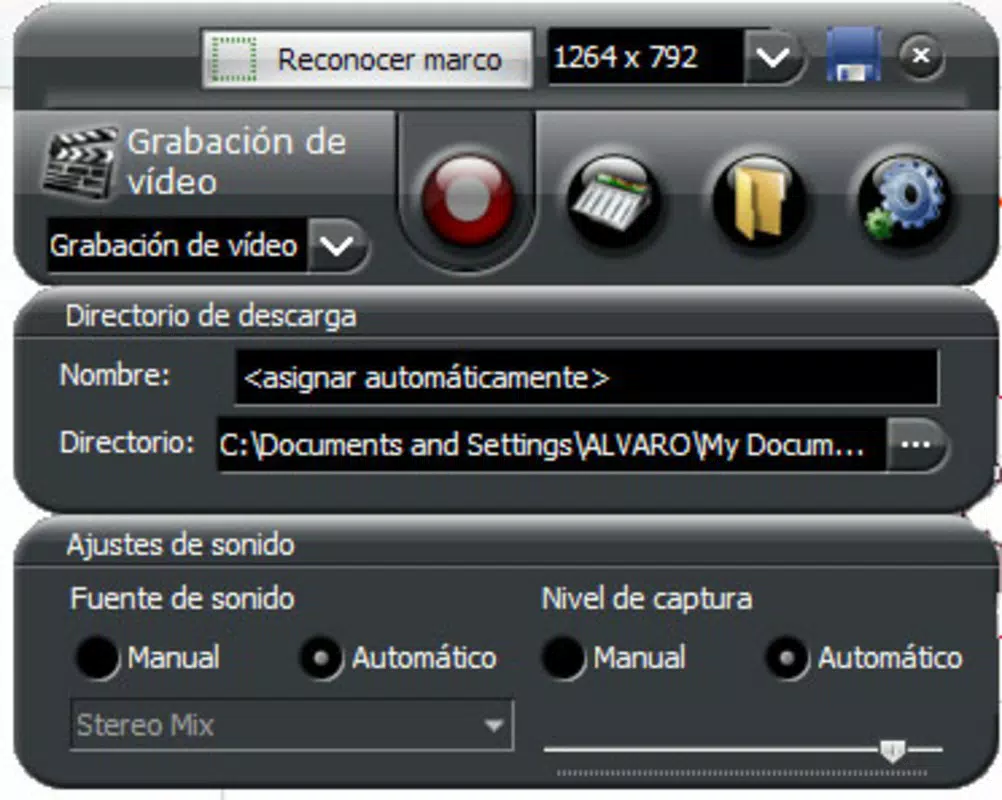
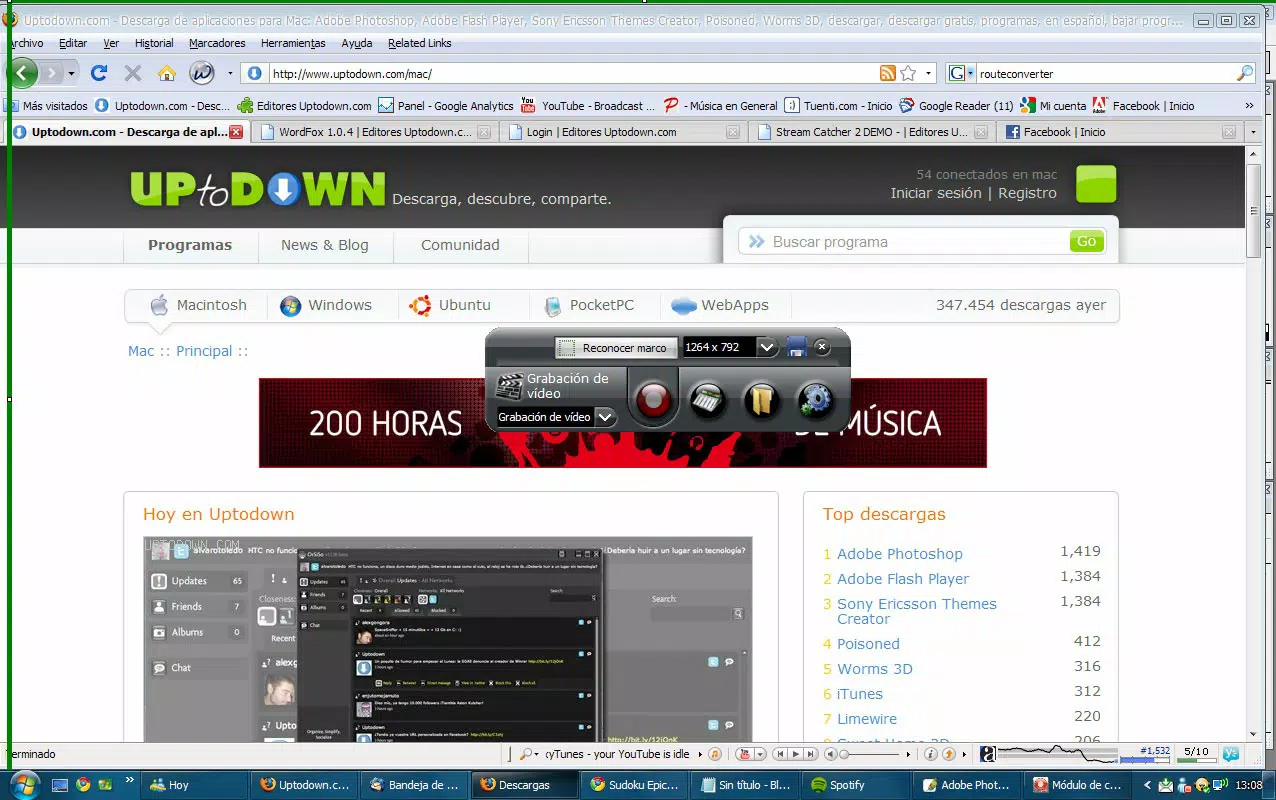
- Video Recording: Record desktop activity within a user-defined area. This feature is especially useful for creating step-by-step tutorials, demonstrating software features, or capturing streaming content.
- Sound Recording: Capture system audio with customizable source selection and volume levels. This allows for synchronized audio-video recordings without external tools.
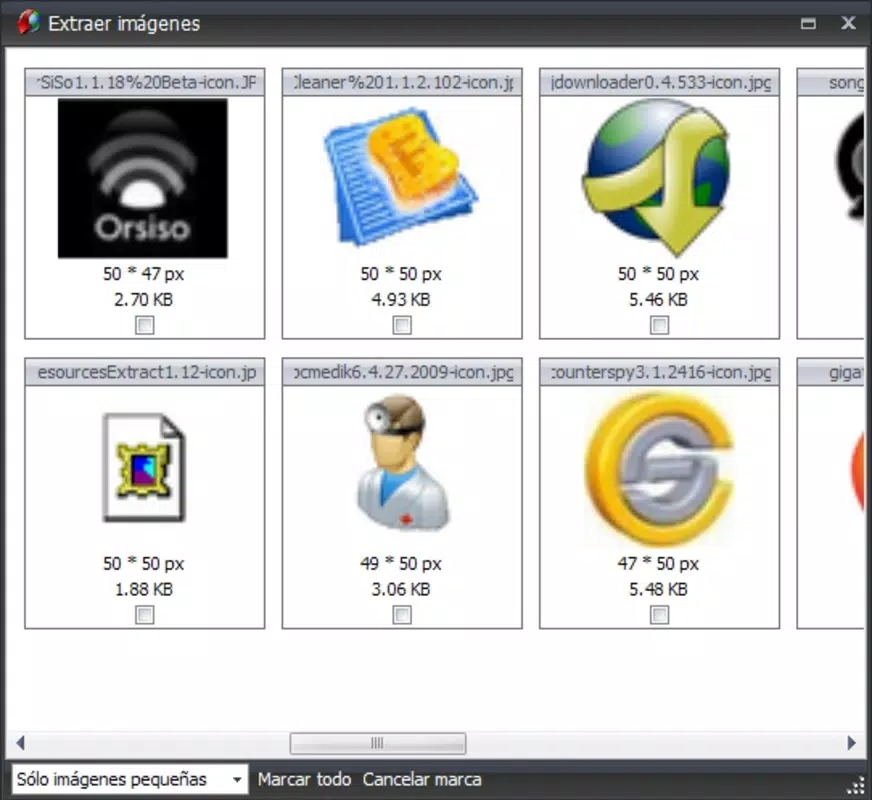
- Image Extraction: Input any URL to retrieve all visible images hosted on the page. The tool processes and displays them quickly, enabling fast access to visual assets for reuse or analysis.
These capabilities are designed to reduce the need for multiple third-party applications. For example, a teacher can use Stream Catcher to record a lesson, capture key diagrams as screenshots, and extract related images from educational websites—all within a single interface. Similarly, a technical writer can document a software workflow by recording the screen, capturing error messages, and pulling supporting visuals from documentation pages.
User Interface, Workflow & Performance
The software features a clean, intuitive interface focused on core capture functions. Navigation is straightforward, with clearly labeled tools for screenshots, video recording, audio capture, and image extraction. Users can switch between modes quickly, minimizing workflow interruptions.
The adjustable selection area for screenshots enhances precision and usability across different screen resolutions. While the developer did not specify resource usage details, the 12.7 MB installation size suggests a lightweight footprint, which typically correlates with efficient CPU and RAM usage. General software behavior patterns indicate stable operation during short to medium-length sessions.
Performance observations are based on general software behavior patterns. No reported issues with crashes or freezes were mentioned in the provided data. The workflow is linear and task-oriented, allowing users to initiate a capture, configure settings, and export results with minimal steps.
This efficiency benefits users who prioritize speed and simplicity over advanced editing features.
Compatibility & System Requirements
Stream Catcher is available for both Windows and Mac operating systems. The software version is 2.0.1, with an installation size of 12.7 MB. The developer did not provide additional system requirements.
Exact system requirements were not listed. Compatibility information was partially provided. Users should verify functionality on their specific hardware and OS version.
No known conflicts with modern systems have been reported, but this is based on general usage patterns rather than official testing. The software’s long release history suggests it may support older OS versions, but this cannot be confirmed without further details. Installation is likely straightforward, given the small file size and lack of complex dependencies.
For users on newer systems, compatibility may depend on native support for legacy applications.
Pros and Cons
Pros
- Combines multiple capture functions in a single lightweight application
- Intuitive interface suitable for both beginners and experienced users
- Efficient image extraction from web URLs
- Supports customizable recording areas and audio sources
- Free to download and use
Cons
- No advanced editing features included
- Resource usage details not publicly available
- Limited information on system requirements
- Software has not been updated since 2009
- May face compatibility challenges on newer operating systems
FAQ Section
Is Stream Catcher compatible with Windows and Mac?
Yes, Stream Catcher is available for both Windows and Mac operating systems. The software supports these platforms, though specific version compatibility is not detailed in the provided information.
Is the software free to use?
Yes, Stream Catcher is available at no cost. The product price is listed as FREE, meaning users can download and use it without payment.
Can I record audio while capturing video?
Yes, Stream Catcher includes a sound recording feature that allows users to capture system audio during video recordings. Audio sources and levels can be customized for optimal results.
Does Stream Catcher require an internet connection?
While the software does not require a constant internet connection for core functions like screenshot capture or video recording, the image extraction feature requires an active connection to retrieve images from URLs.
Is Stream Catcher safe to download and install?
Based on the available information, Stream Catcher is distributed by its official developer, Stream Catcher, Inc. The software has been available since 2009 and is free to download. No security warnings were reported. However, users should ensure they download from the official source to avoid potential risks.
Final Thoughts + CTA
Stream Catcher remains a functional and practical tool for users seeking a simple, all-in-one solution for screen capture, audio recording, and image extraction. Its lightweight design and free access make it an appealing choice for professionals and casual users alike. While the software has not been updated since 2009 and lacks modern features, its core capabilities are still relevant for basic workflows.
The absence of advanced editing tools and limited system requirement details are notable drawbacks. However, for users who prioritize ease of use, low resource consumption, and a straightforward interface, Stream Catcher delivers consistent value. It stands out as a reliable desktop utility for those who need to capture content quickly and efficiently.
Download Stream Catcher now.


